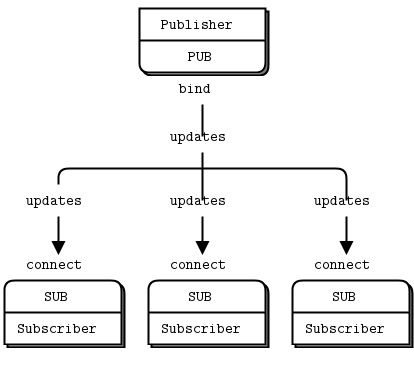
July 1st 2019
** Reader beware: The information below is old and out of date. **
If you use Python's built in Logger for logging a substantial number of messages per second, eventually it will become apparent that the combined cost of multiple loghandlers will decrease performance. Especially for slower ones such as SMTP and filehandlers - they will block until the message is written to disk, sent out, etc.
One solution out there is to use the alternative 3rd part Python logging utility Logbook, which offers a ZMQ based handler so that log messages can be sent asynchronously, thus removing the logging responsibility from the main process. However, what if we want to use the built in Logger module instead ?
PyZMQ already comes with a handler for the Logger module - PUBHandler. This works fine but it modifies the logrecord to be a string which may not be what we want - for example the exception information will be cut off. Here's a simple modified PUBHandler that will serialize and send a logrecord remotely so that it can be processed and written to file, to STDOUT, or to any other handlers on the subscriber side WITHOUT affecting the main process. The code is below, and also on Github on this feature branch/fork of PyZMQ: https://github.com/savesave/pyzmq/tree/logrecordpubhandler
In this implementation the built in JSON is used to serialize the logrecord. For more performance, one could use the 3rd party library ultrajson.
Log messages are probably too small be encoded any faster with MSGpack, but I've not tried that for comparison so far. The
serialize function will move any exception information to the msg attribute of the log record, since
they are not easily serialized. This isn't an issue as we don't want to re-raise the exception on a remote handler in any case.
Let's rewrite the pyZmq examples to use the LogRecord handler. First of all, the PUB server: And, the SUB server: On running, log messages choose a random logging.LEVEL (info, warning, debug, etc), and then send out the message to the SUB socket running in another process. The Loghandlers defined on the remote server print to screen and also save to a log file. Cool!
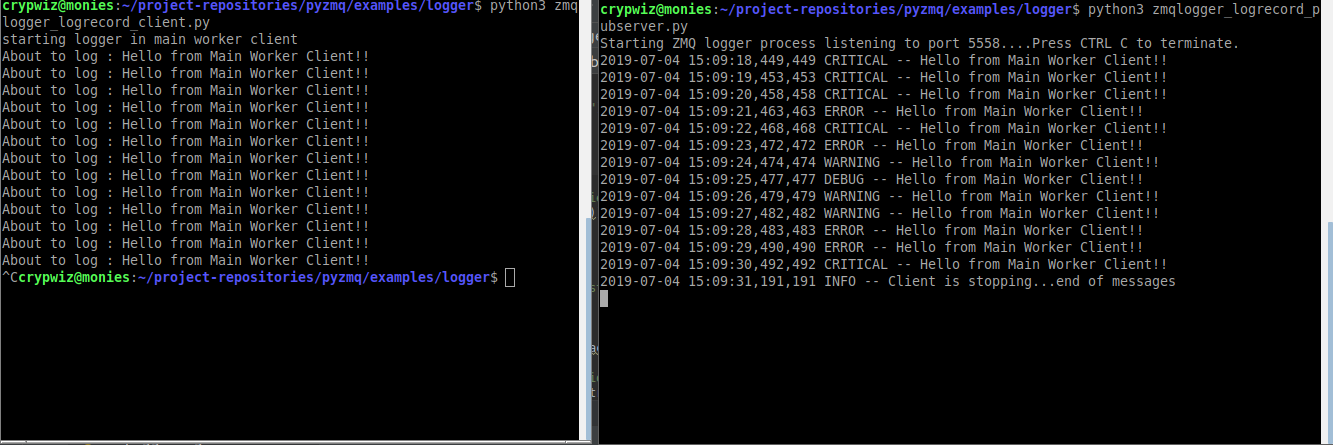
In the case of Bottish, offloading processing of log messages gave a substantial performance improvement. Especially when processing sometimes thousands of messages per second:
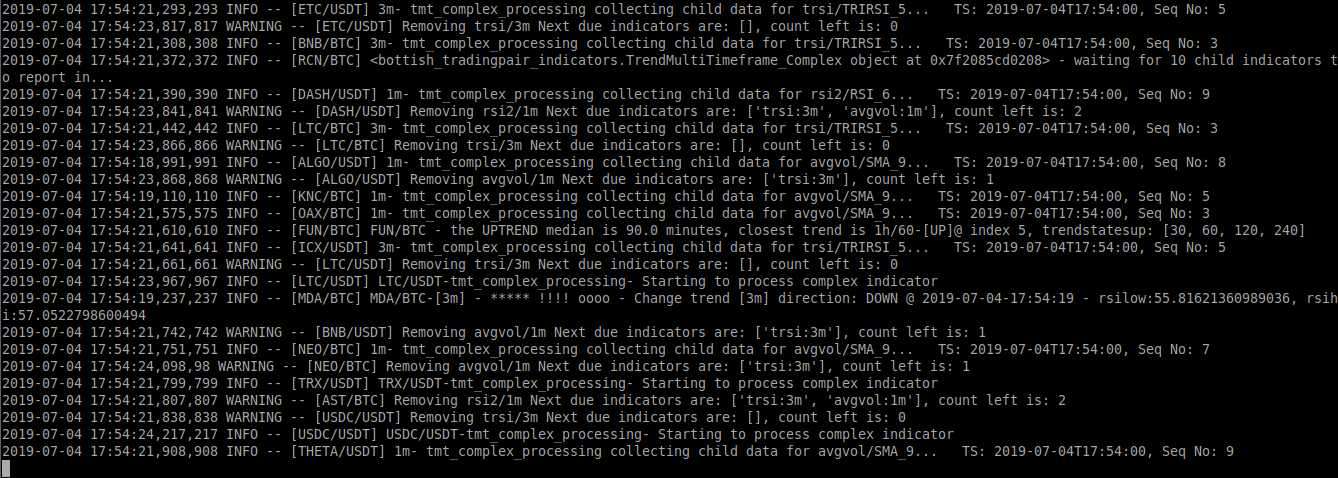
One of the minor issues with distributed logging like this is that since timestamps are coming in from many different processes at different times you may notice that the messages arrive slightly out of order by milliseconds. Adding a unique identifier ( in this case the [SYMBOL]) will help for debugging later as a means to seperate which process/source the message originated from. Of course, you could use a UUID, process id, or whatever to meet your needs.
This is a very basic example just for demonstration purposes. Future improvements could be: